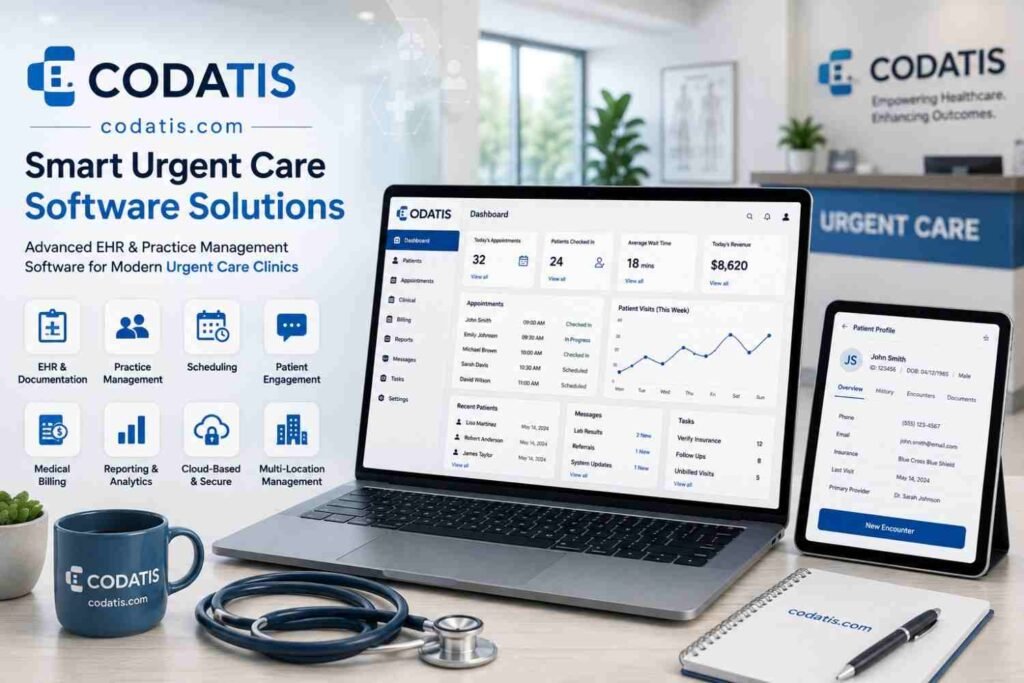

Urgent care practices face a unique combination of high patient volumes, short visit times, walk-in demand, and complex administrative requirements. Healthcare providers must document encounters accurately while quickly accessing medical histories, ordering tests, prescribing medications, and communicating treatment information. At the same time, administrative teams need efficient registration, scheduling, billing, and reporting tools.
The right urgent care software can bring these functions together in a centralized platform. However, not every healthcare technology solution is designed specifically for the fast-moving environment of urgent care. Practices should therefore evaluate the features that directly support clinical efficiency, patient safety, workflow management, and operational performance.
What Is an Urgent Care EHR System?
An urgent care EHR system is an electronic health record platform designed to support the specific workflows of urgent care clinics. It allows healthcare professionals to create, manage, and access patient records electronically while supporting other processes involved in a patient’s visit.
Unlike a basic digital records system, a modern platform may connect clinical documentation with registration, orders, prescriptions, billing, reporting, and patient engagement.
For urgent care organizations, this integration can reduce unnecessary manual processes and help staff move patients through the care journey more efficiently.
1. Fast and Intuitive Clinical Documentation
Speed is one of the most important requirements in urgent care. Providers often see patients with limited time available for each encounter.
An effective system should make documentation straightforward through:
- Customizable templates
- Structured clinical notes
- Quick-entry fields
- Diagnosis selection
- Procedure documentation
- Clinical shortcuts
- Reusable documentation elements
Well-designed workflows can reduce repetitive typing while still allowing physicians and other authorized clinicians to document the details necessary for each encounter.
2. Comprehensive Patient Health Records
Providers need immediate access to relevant patient information. A complete electronic record can bring important data into one location.
A modern platform may include:
- Patient demographics
- Allergies
- Medication history
- Previous diagnoses
- Immunization records
- Vital signs
- Laboratory results
- Imaging results
- Clinical notes
- Treatment history
Centralized information can help providers understand a patient’s medical background without searching through multiple systems.
3. Electronic Prescribing
Electronic prescribing is another important capability for urgent care practices. Providers can create prescriptions electronically and send them to participating pharmacies.
Useful medication functionality may include:
- Medication history
- Allergy checking
- Drug interaction information
- Refill management
- Prescription status
- Pharmacy selection
These capabilities can support safer medication workflows while reducing reliance on handwritten prescriptions.
4. Laboratory and Diagnostic Integration
Urgent care clinics frequently order laboratory tests and diagnostic services. Connecting these processes to the EHR can reduce manual data entry and improve information availability.
An integrated system may allow providers to:
- Place an order.
- Track its status.
- Receive results electronically.
- Review results within the patient’s record.
- Document clinical decisions based on the results.
This type of workflow can help reduce delays and make diagnostic information easier to locate.
5. Digital Patient Registration
Patient registration can become a bottleneck when clinics depend heavily on manual paperwork.
Digital registration tools can allow patients or staff to enter demographic, insurance, and other required information electronically. The information can then flow into the patient’s record.
A well-designed registration workflow may help reduce duplicate data entry and improve the accuracy of patient information.
6. Appointment and Walk-In Management
Urgent care practices need to accommodate both scheduled appointments and walk-in patients. Their technology should therefore support flexible patient flow.
Useful capabilities may include:
- Online appointment scheduling
- Provider calendars
- Walk-in registration
- Queue management
- Visit status tracking
- Appointment reminders
- Real-time availability
These features can give staff better visibility into patient flow and help practices manage busy periods.
7. Clinical Decision Support
Modern EHR platforms may provide clinical decision support tools that help providers access relevant information during care.
Depending on the system, this may include alerts related to medications, allergies, clinical documentation, or other patient-specific information.
Decision-support functionality should assist providers without creating unnecessary alerts that interfere with workflow.
8. Medical Coding and Charge Capture
Accurate documentation and coding are closely connected. When clinical information is properly captured, it can support the coding and billing process.
An effective urgent care EMR software platform can provide tools for documenting diagnoses, procedures, and other billable services.
Automated or integrated charge capture can help reduce the risk of missed charges and decrease the need for manual transfer of information between clinical and financial systems.
9. Patient Portal and Communication
Patients increasingly expect digital access to healthcare services. A patient portal can provide a secure way for patients to interact with their healthcare organization.
Depending on the platform, patients may be able to:
- Complete forms
- Request appointments
- Review selected health information
- Receive messages
- Access documents
- View billing information
- Communicate with the practice
These features can improve convenience while reducing routine administrative communication.
10. Secure Messaging
Secure communication is important for healthcare organizations. EHR platforms may provide internal messaging tools for communication among authorized members of the care team.
Secure messaging can help staff coordinate tasks, share relevant information, and manage follow-up activities without relying on informal communication channels.
Practices should ensure that their selected system provides appropriate security and access controls.
11. Reporting and Analytics
Healthcare administrators need more than patient records to manage a successful urgent care organization. Reporting and analytics can provide insight into operational and financial performance.
Useful reports may cover:
- Patient volume
- Visit trends
- Provider productivity
- Wait times
- Appointment utilization
- Revenue
- Claims
- Payments
- Denials
- Patient demographics
Analytics can help managers identify trends and make more informed operational decisions.
12. Interoperability and Data Exchange
Patients may receive healthcare from multiple organizations. An urgent care clinic therefore needs technology that can exchange relevant information with other healthcare systems when appropriate.
Interoperability can support connections with:
- Hospitals
- Primary care practices
- Specialist offices
- Laboratories
- Pharmacies
- Imaging centers
- Health information networks
Before choosing a platform, practices should evaluate which interoperability standards and integrations are supported.
13. Mobile Accessibility
Healthcare professionals are not always working from a traditional desktop workstation. Mobile-friendly technology can give authorized users greater flexibility.
A modern EHR may support access through compatible laptops, tablets, or other devices. Mobile functionality can be particularly useful for providers who move between examination rooms or clinical areas.
However, mobile access should always maintain appropriate security controls.
14. Customizable Urgent Care EMR Features
Every urgent care organization has slightly different workflows. Customization can therefore be an important consideration when comparing platforms.
Important urgent care EMR features may include customizable:
- Clinical templates
- Intake forms
- Workflows
- User permissions
- Reports
- Notifications
- Order sets
- Documentation fields
Customization allows practices to adapt the technology to their existing processes rather than completely redesigning their operations around a rigid platform.
15. Revenue Cycle Integration
Although EHR functionality is primarily clinical, financial workflows should not be ignored. Integration with billing and revenue cycle management can help practices connect patient encounters with financial processes.
A system may support eligibility verification, coding, claim creation, payment tracking, and denial management.
This connection can help reduce administrative duplication and improve visibility into the financial side of the practice.
16. Security and User Access Controls
Healthcare information is highly sensitive. Practices should carefully review how a vendor protects patient data.
Important considerations include:
- Role-based permissions
- User authentication
- Audit logs
- Data encryption
- Secure backups
- Access monitoring
- Session controls
- Data protection policies
The urgent care EMR login process should also provide appropriate security without making access unnecessarily difficult for authorized users.
How to Evaluate Urgent Care EMR Software
Before selecting a platform, healthcare organizations should create a structured evaluation process.
Start by identifying current operational problems. For example, a practice may struggle with slow documentation, inefficient patient registration, billing delays, or limited reporting.
Then create a requirements checklist based on these problems.
When comparing vendors, consider:
Clinical Requirements
Does the platform support the documentation and clinical workflows providers use every day?
Administrative Requirements
Can staff efficiently manage registration, appointments, patient communication, and other administrative tasks?
Financial Requirements
Does the system connect clinical documentation with coding, billing, claims, and revenue cycle processes?
Technical Requirements
Can the system integrate with the organization’s existing technology and external healthcare partners?
Usability Requirements
Can physicians, nurses, front-office staff, and billing teams use the platform efficiently after appropriate training?
Evaluating Reviews and Demonstrations
Online urgent care EMR reviews can help organizations understand common user experiences, but reviews should be considered alongside demonstrations and direct vendor discussions.
An urgent care EMR Demo is particularly valuable because it allows staff to see the system in action. During the demonstration, practices should ask vendors to show real workflows rather than simply presenting feature lists.
For example, ask the vendor to demonstrate how a patient is registered, how a provider documents the visit, how an order is placed, how a prescription is generated, and how the encounter moves into billing.
What Makes an EHR Valuable for Urgent Care?
The value of an EHR is not determined simply by the number of features it offers. A platform can have dozens of capabilities but still create problems if those capabilities are difficult to use.
The most valuable system is one that combines functionality with usability.
Practices should look for technology that helps employees complete their responsibilities with fewer unnecessary steps. Faster workflows, accurate data, better communication, and reliable reporting can collectively improve operational performance.
Conclusion
Modern urgent care organizations need technology that supports both clinical care and efficient practice operations. From patient registration and documentation to prescribing, diagnostic integration, reporting, interoperability, and billing, every component can influence the overall efficiency of a clinic.
When evaluating urgent care software, healthcare practices should focus on capabilities that solve real operational challenges rather than choosing a platform based solely on the length of its feature list. Usability, integration, security, customization, and vendor support should also be part of the decision.
For practices exploring modern healthcare technology, codatis can be evaluated alongside other solutions to determine whether its capabilities align with the organization’s clinical, administrative, and long-term growth requirements.
FAQs
1. What are the most important features of urgent care EHR software?
Important features include fast clinical documentation, electronic prescribing, patient registration, scheduling, diagnostic integration, patient portals, reporting, interoperability, security, and billing integration.
2. Why is fast documentation important in urgent care?
Urgent care clinics often handle high patient volumes and short encounters. Efficient documentation tools can help providers complete records accurately without adding unnecessary administrative steps.
3. What should practices look for in urgent care EMR software?
Practices should evaluate usability, clinical templates, prescribing, diagnostics, scheduling, reporting, interoperability, security, customization, billing integration, and vendor support.
4. Are urgent care EMR reviews enough to choose a system?
No. Reviews can provide useful insights, but practices should also evaluate demonstrations, integrations, security, pricing, implementation requirements, and the specific needs of their organization.
5. Why should an urgent care clinic request an EMR demo?
A demonstration allows clinical and administrative teams to evaluate real workflows and determine whether the system is intuitive, efficient, and appropriate for their practice before making a purchasing decision.